Hi
I can’t seem to send MKV to infuse from iOS and iPad OS 13 native file manger. Is this planned? Infuse is too good would like this option when browsing files off iPad.
This should be available in the current version.
Just drag and drop files via ‘Files’ into Infuse.
Note: If you don’t have any local files in Infuse yet, you won’t see the Infuse folder in Files (this was a design decision by Apple). In this case, the first file will need to be sent to Infuse using the ‘Share’ option.
Hi,
Thanks James. When I browse network files (SMb) and when I hit “share” as expected, Infuse is not an option that shows up =(. Only “copy”
Which version of Infuse are you using?
This is working as expected for me in 6.1.6.
Infuse 6.1.6, Ipad OS 13.1 beta
Can you post a screenshot of where you are seeing ‘Copy to Infuse’?
AFAIK, as of Infuse 6, all share links should say ‘Open in Infuse’. Upon tapping, you will then be presented with a choice of ‘Play’ or ‘Save & Play’.
See next message
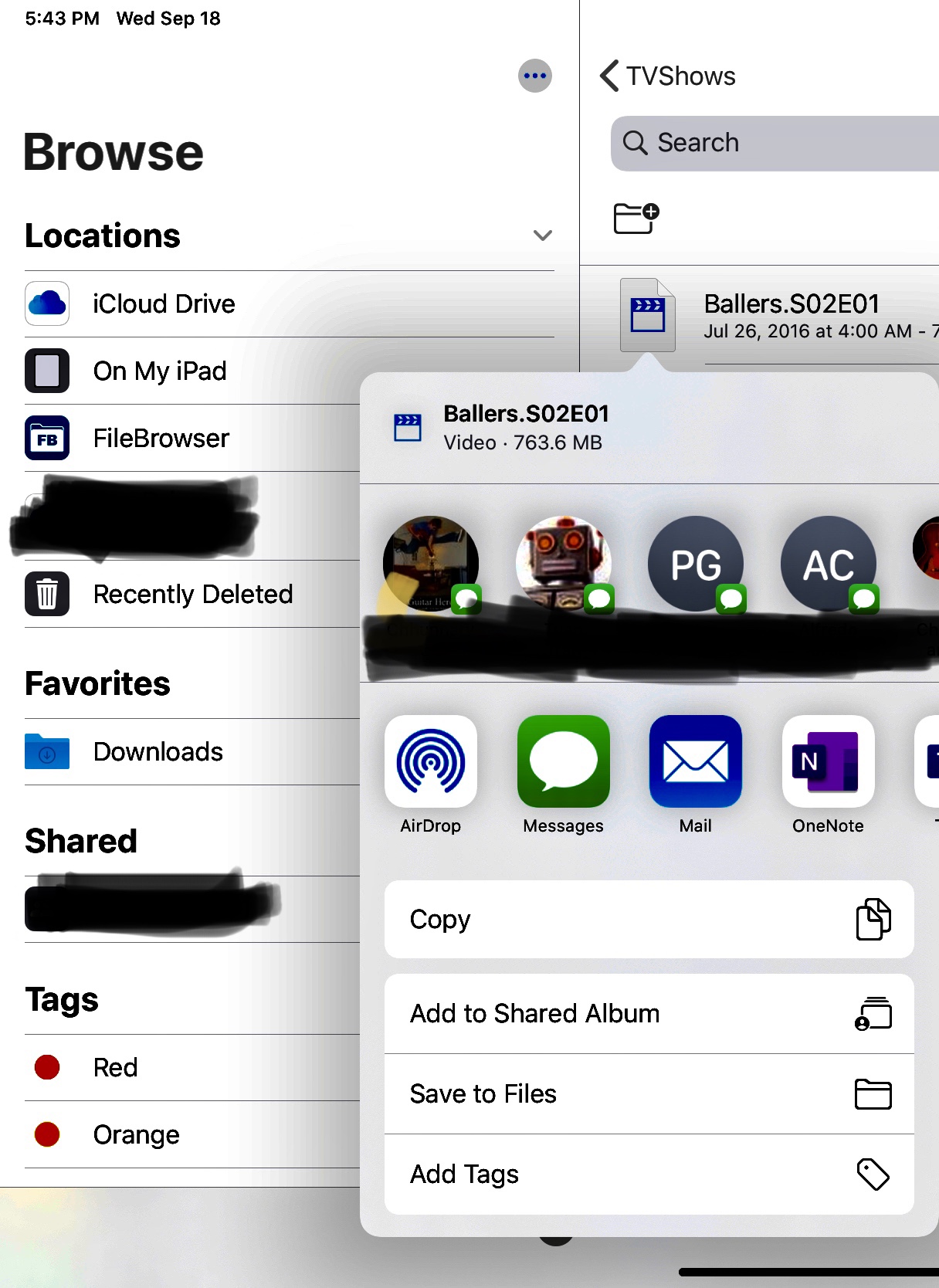

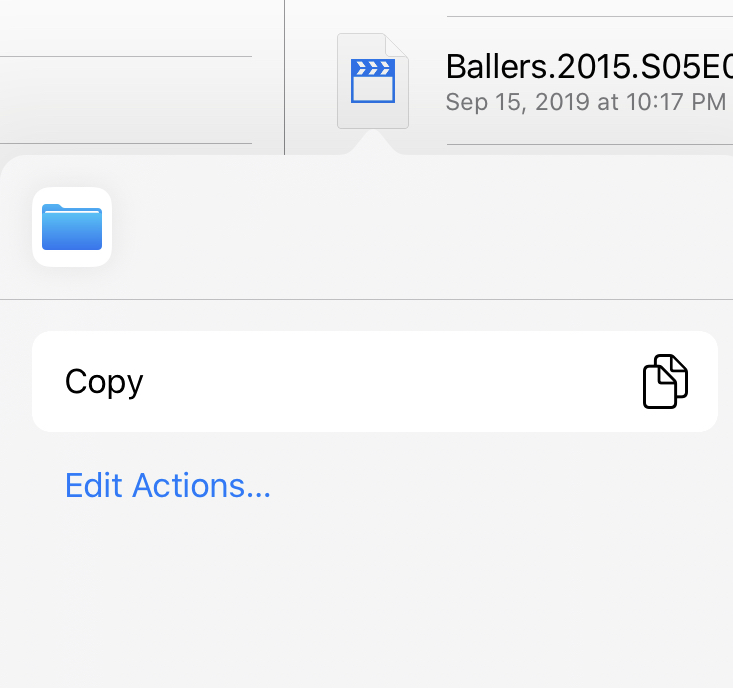
Looks like this is ipad 13.1 beta bug. Updating to Beta 4 today, and this issue at least goes away. Still some performance issues with the OS, but at least not an infuse problem.
Thanks!
Glad it’s working now. 