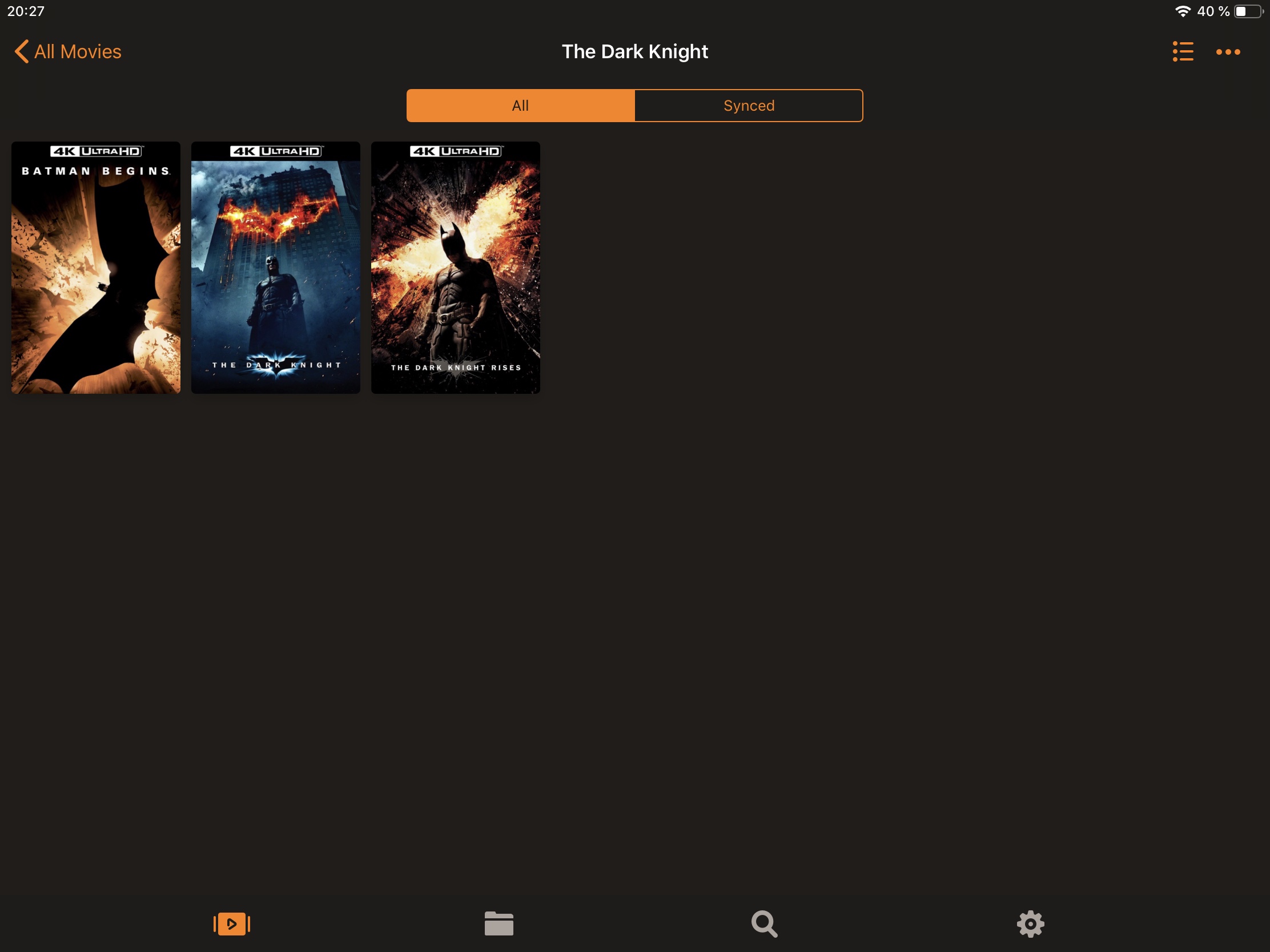
When opening a collection of movies, all the included movies are shown with their fanart at the bottom view.
Is it possible to have them displayed with their poster?
Searching / selecting a movie by their fanart feels weird. Poster should be shown (just like the other movies when opening details view for a movie, that is not in a collection).
I want this changed too! Switching from “all poster” in my movie library to “all fanart” when I enter a collection feels a bit unrefined. Better yet: Implement this feature with a submenu: hold the main button on a collection and there you could change from fanart to poster and vice versa.
It really bothers me as well. The strange thing is that its already the case on the iPad, but not on the ATV. I didn’t see any option to change it. So why the different implementation?
Agreed. I think showing the posters would be much more consistent as that’s how they’re displayed when they’re not collections. And then collections that have matching posters will all be displayed together.
Honestly I’d like the option to just click one of my Plex collections and have a grid view (posters) of movies in that collection. If anyone knows if this option is available please let me know.
When you currently view movie collections the other moves appear at the bottom as either fan art type backgrounds or in some cases a view from the movie. Could we have the option to have these all as their actual movie covers. For me, that would make navigating much easier as I just need to look at the movie cover instead of reading the text below.
Some might say reading is not an issue, but when you have all the Harry Potters the first two words of each thumbnail are all Harry Potter - you have to stop on each thumbnail to see what it is - just having the actual movie poster would be far faster